
Checkout Branding
Checkout Branding lets you change the visual appearance of your Shopify checkout so it feels like a seamless part of your store. Adjust colours, fonts, logo and favicon using Shopify’s native Branding API.
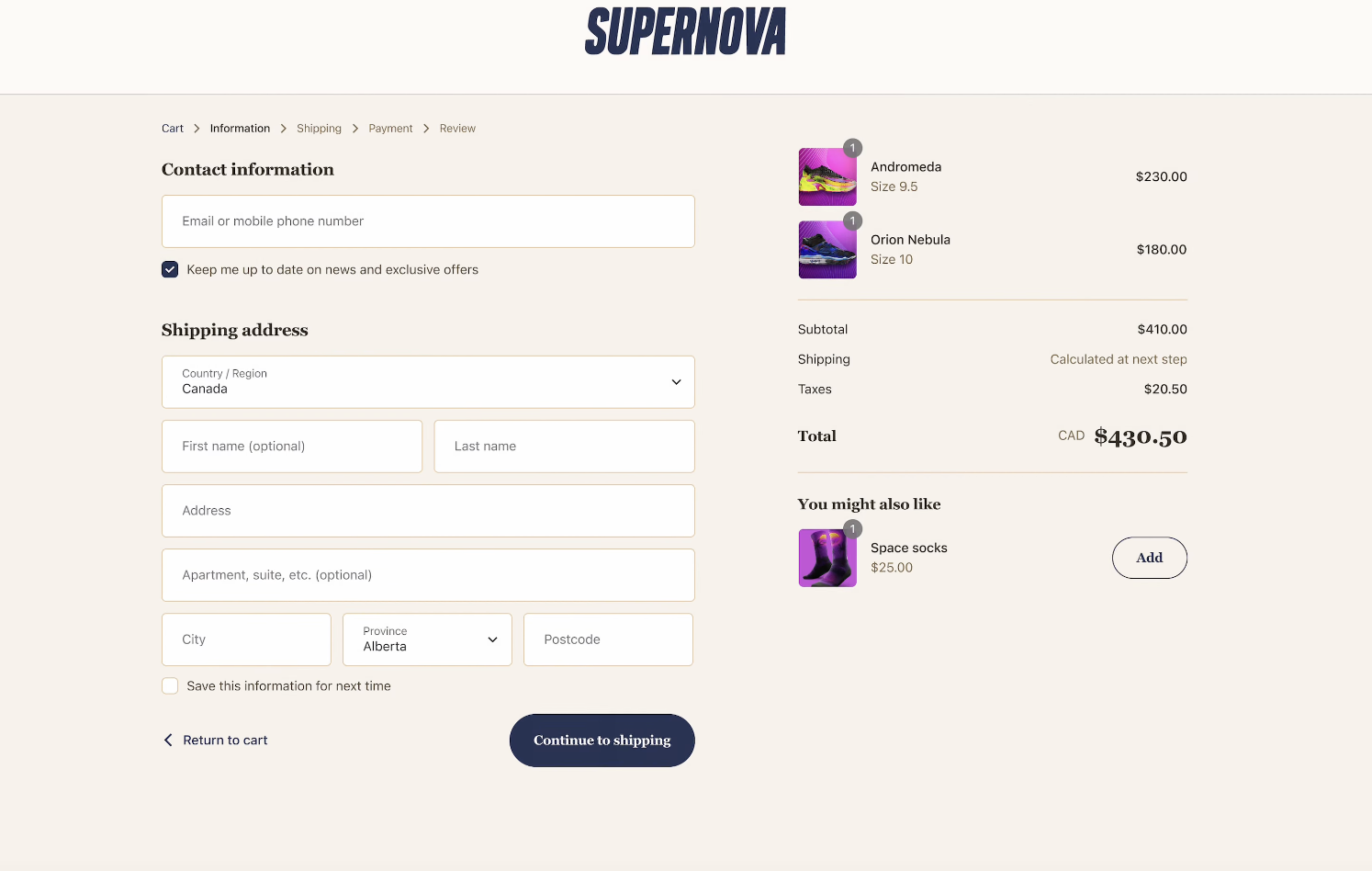
How to use
Section titled “How to use”- Go to Checkout Branding in the app.
- Configure display settings (see below).
- Click Save. Changes are saved to your unpublished checkout profile. Use the Apply to published profile option in the app to push them live checkout profile.
Display settings
Section titled “Display settings”| Area | Settings |
|---|---|
| Colors | Global brand color, global accent color, and 4 color schemes applied to different checkout sections |
| Typography | Primary and secondary font family; kerning, letter case, size, and weight per heading level |
| Corner radius | Global corner radius and per-component overrides |
| Header | Alignment, position, padding, color scheme, banner image, logo visibility, logo max width |
| Footer | Alignment, position, padding, color scheme |
| Primary button | Background, border, corner radius, padding, typography |
| Secondary button | Background, border, corner radius, padding, typography |
| Form controls | Border style, corner radius, label position |
| Main section | Background, border, color scheme, shadow, padding |
| Order summary section | Background, border, color scheme, shadow, padding |
| Logo | Store logo image shown in checkout header |
| Favicon | Browser tab icon during checkout |
- Works on checkout, thank you page, and order status page.