
Contact Buttons
Contact Buttons displays up to three contact buttons on your checkout pages. Customers can click to call, email, or visit a link to get support during or after checkout.
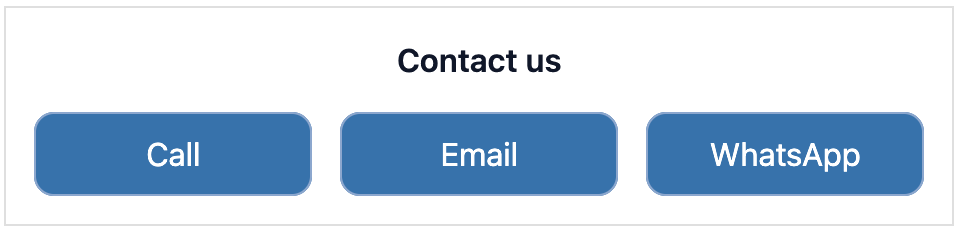
How to set up
Section titled “How to set up”- Go to Contact Buttons in the app.
- Configure display settings (see below).
- Click Save.
- In the Shopify checkout editor, add the Contact us buttons block to the desired page(s).
Display settings
Section titled “Display settings”| Setting | Description |
|---|---|
| Status | Toggle to enable or disable the extension |
| Description text | Text shown above the buttons (e.g. “We will get back to you ASAP.”) |
| Button style | How the buttons are rendered: Primary, Secondary, or Plain |
| Button colour | The colour tone: Critical (red), Success (green), Warning (yellow), Info (blue), or Default |
| Show on Checkout | Show the buttons on the checkout page |
| Show on Thank You Page | Show the buttons on the Thank You Page |
| Show on Order Status Page | Show the buttons on the Order Status Page |
Buttons
Section titled “Buttons”| Button | Type | Details |
|---|---|---|
| Button 1 | Phone | Enter a phone number. Clicking opens the dialler |
| Button 2 | Enter an email address. Clicking opens a compose window | |
| Button 3 | Custom link | Enter any URL (e.g. live chat, WhatsApp, contact form) |
Leave a button’s text field blank to hide that button. You do not need to use all three.
- Available on checkout, thank you page, and order status page.
- A WhatsApp link (
https://wa.me/[your-number]) works well as the Button 3 custom link. - Leaving a button’s text field blank hides it automatically, no need to disable it separately.
Best practices
Section titled “Best practices”- Use Plain button style to keep checkout feeling uncluttered.
- Add a short description above the buttons: “Need help? We’re here.” sets the right tone.
- For WhatsApp, use the format
https://wa.me/[country-code][number]with no spaces or special characters. - Show only the channels you actively monitor. A phone number customers can’t reach hurts trust more than no button at all.