
Discount Codes List
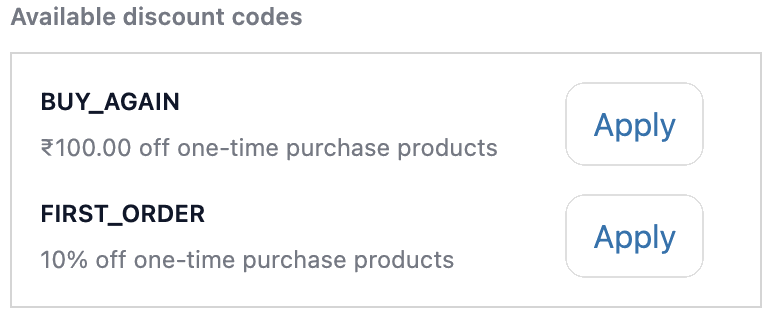
This feature shows a list of active discount codes directly on the checkout page. Instead of customers searching for codes elsewhere, they see them right below the discount code field and can apply one in a single click.
How to set up
Section titled “How to set up”- Go to Discounts in the app.
- Click Create.
- Select the discount codes you want to display (pulled from your active Shopify discounts).
- Click Save.
- In the Shopify checkout editor, add the Discount Codes List block to the checkout page.
Best practices
Section titled “Best practices”- Works best for promo codes you are actively promoting and want to make sure customers actually use at checkout.
- Only active discount codes from your Shopify store can be selected.