Brevo Integration
Step 1: Set up your Brevo API key with Buy Again & Reorder Reminder
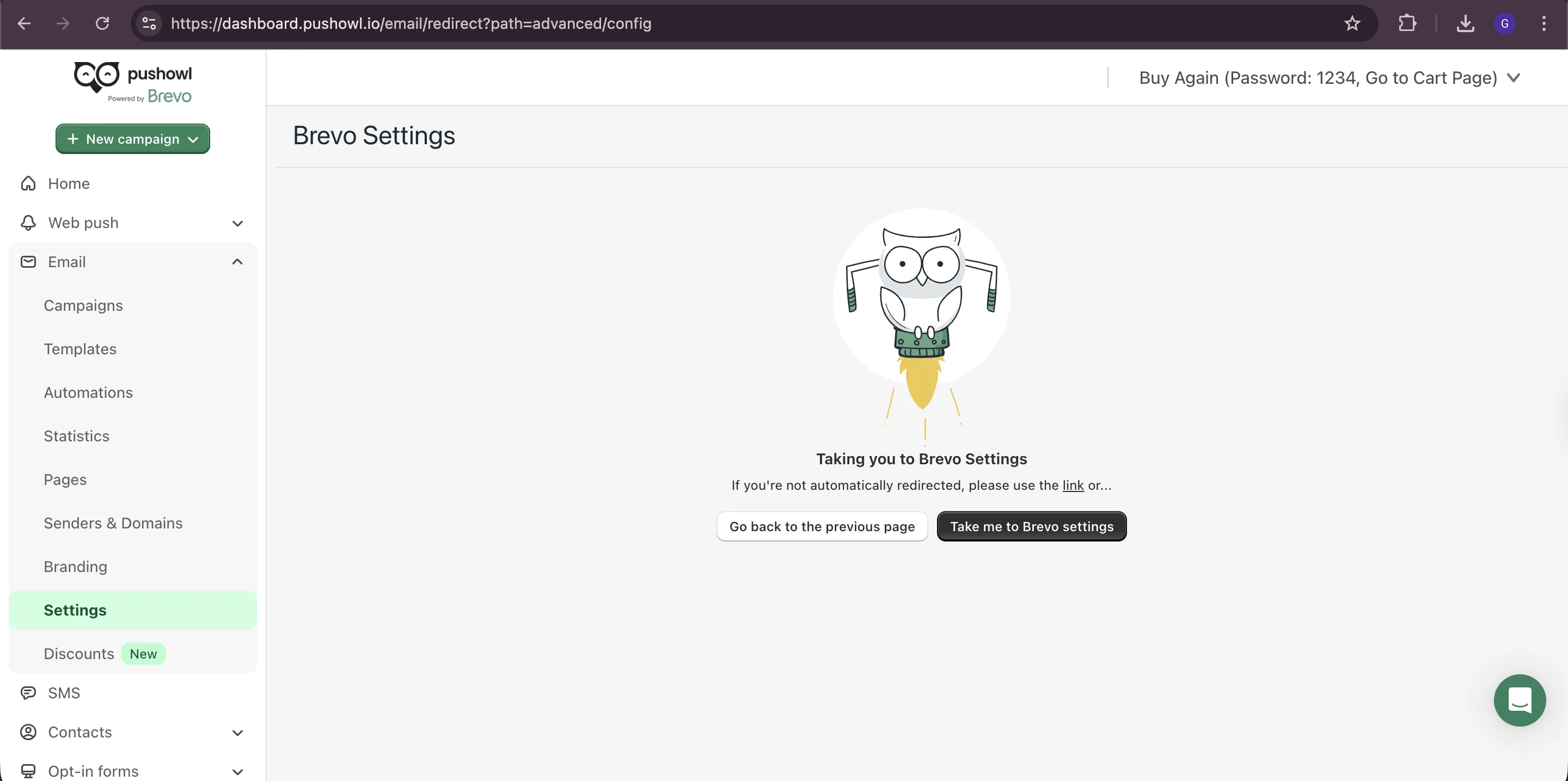
Section titled “Step 1: Set up your Brevo API key with Buy Again & Reorder Reminder”Open PushOwl & Brevo from Shopify admin. It will take you to the external dashboard. In the left panel, expand Email and click on Settings.
1: Generate API Key
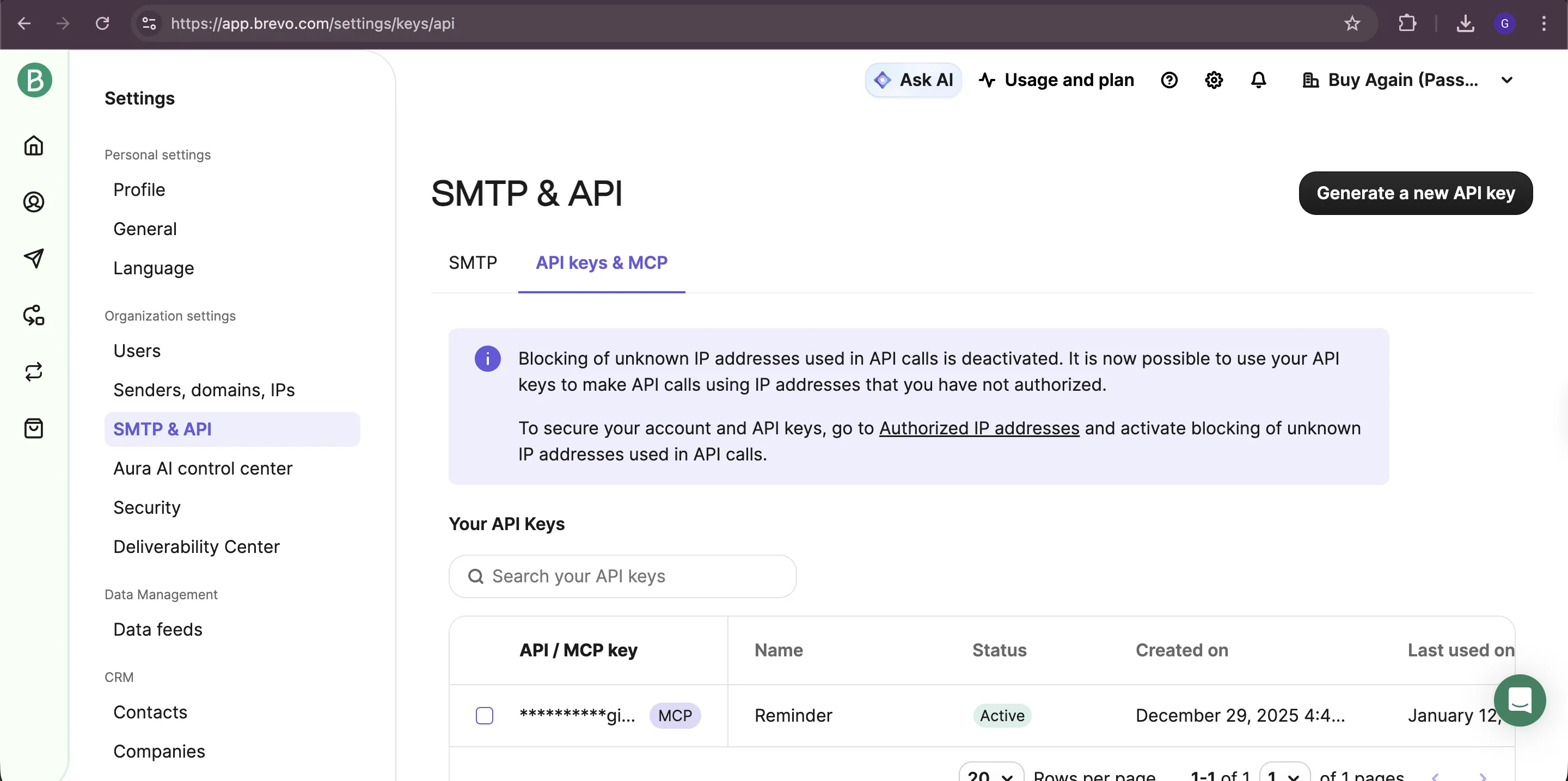
Section titled “1: Generate API Key”- On the settings page, select SMTP & API from the left panel.
- Click on the API Keys tab and then click the Generate a new API key button.
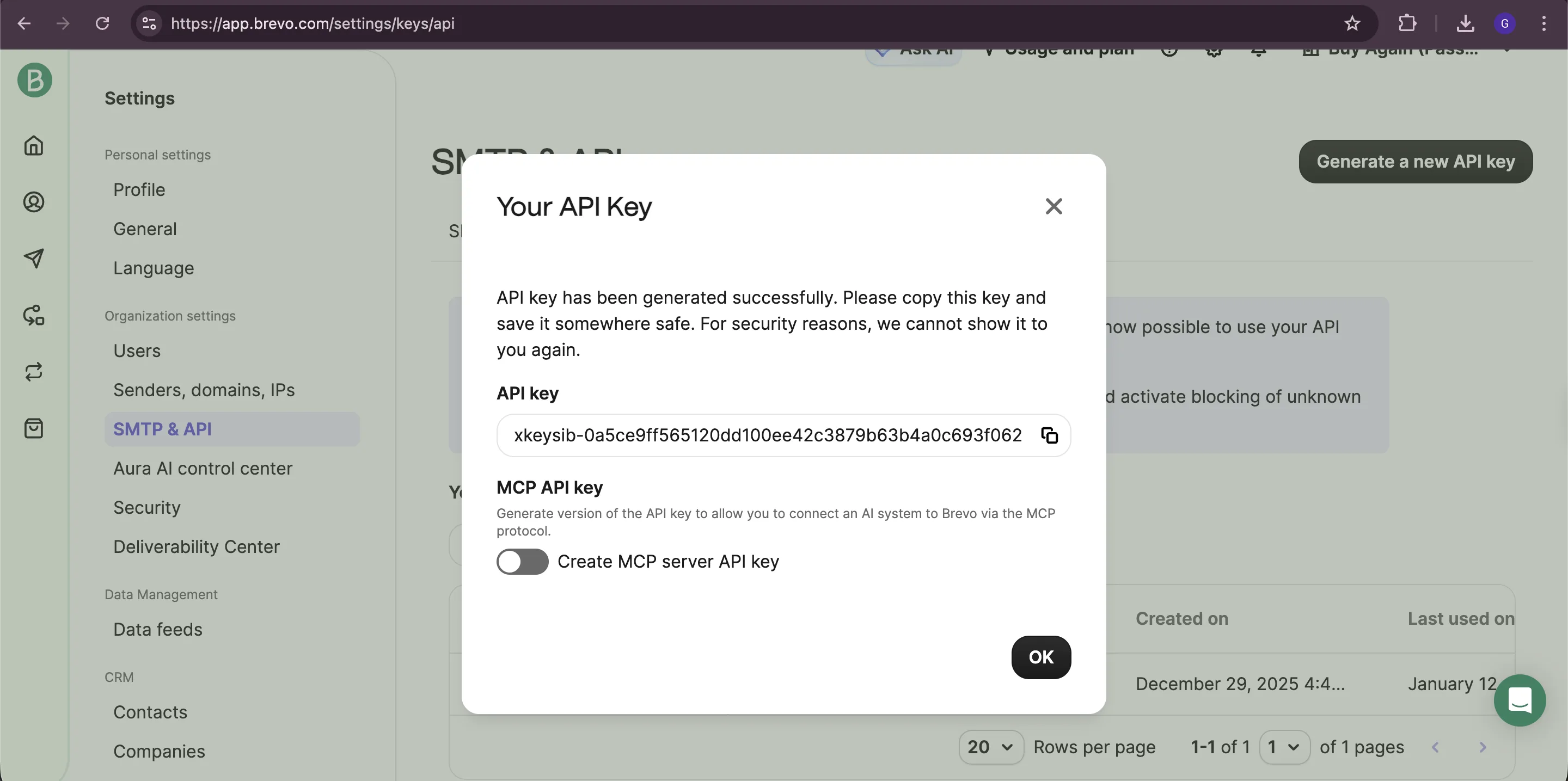
- Name the API key as: Buy Again Reorder Reminder
- Copy the API key immediately as you won’t be able to see it again.
2: Configure Sender Authentication
Section titled “2: Configure Sender Authentication”You can skip this step if you have already configured sender authentication.
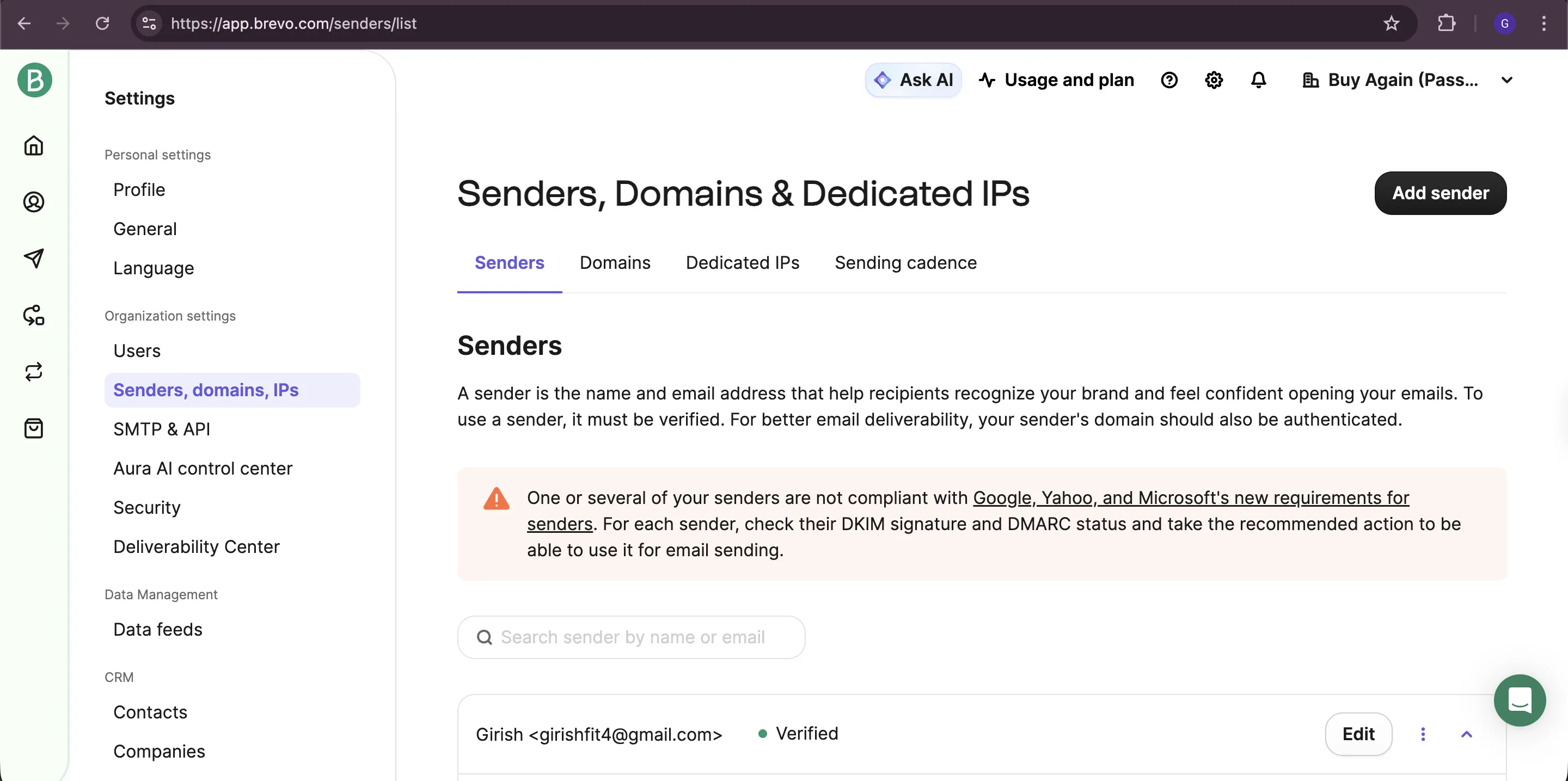
- Navigate to Senders, domains, IPs → Senders.
- Ensure you have a verified sender for your reorder reminder emails.
- Add a new sender if needed with your store’s email address.
3: Integrate Brevo with Buy Again & Reorder Reminder
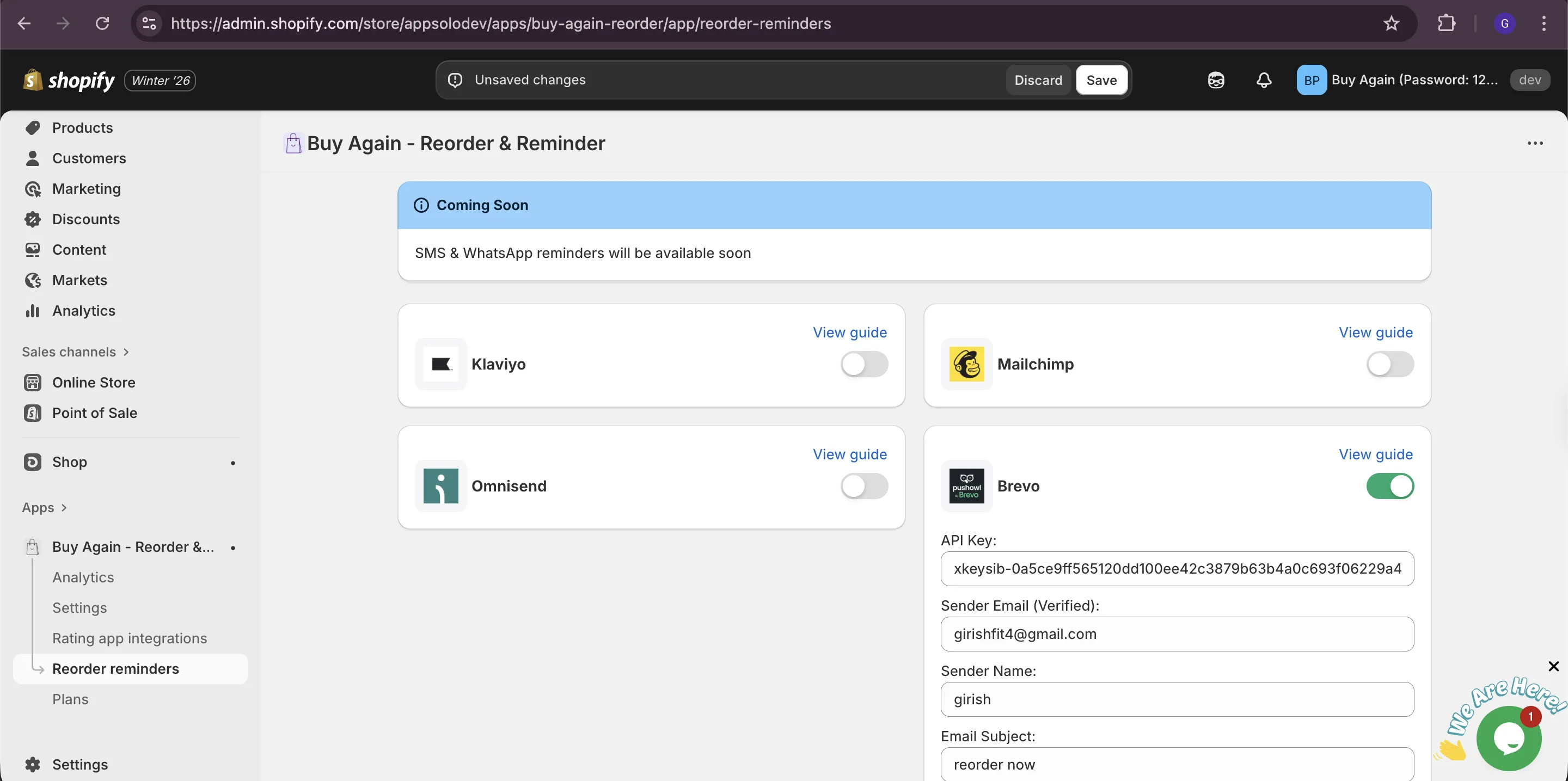
Section titled “3: Integrate Brevo with Buy Again & Reorder Reminder”Copy the Brevo API key you generated and paste it into the Buy Again & Reorder Reminder app settings. Also, enter the verified sender email, sender name & Email subject.
Step 2: Update email template in Brevo for reorder reminders
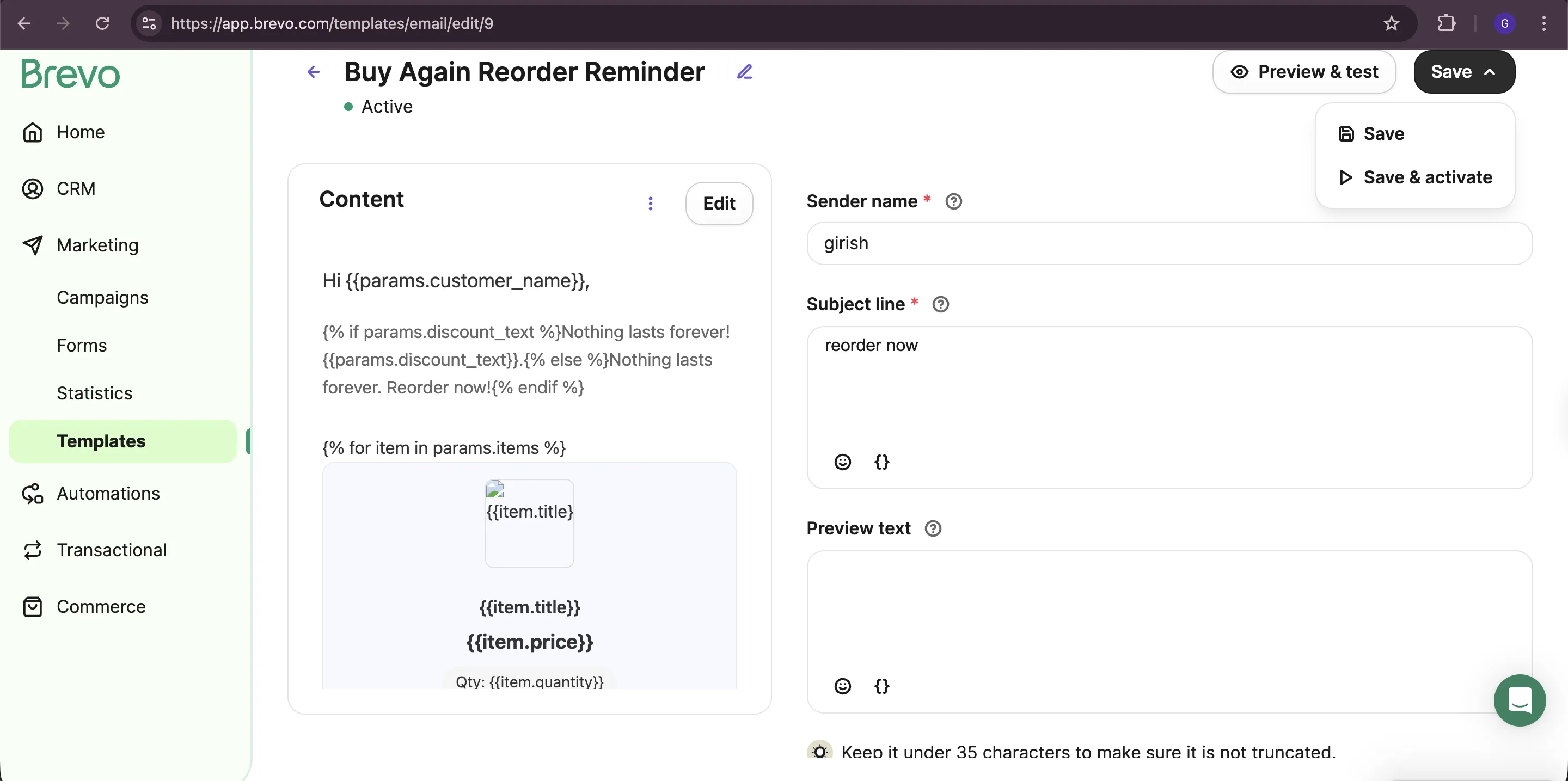
Section titled “Step 2: Update email template in Brevo for reorder reminders”1: Design Email Template
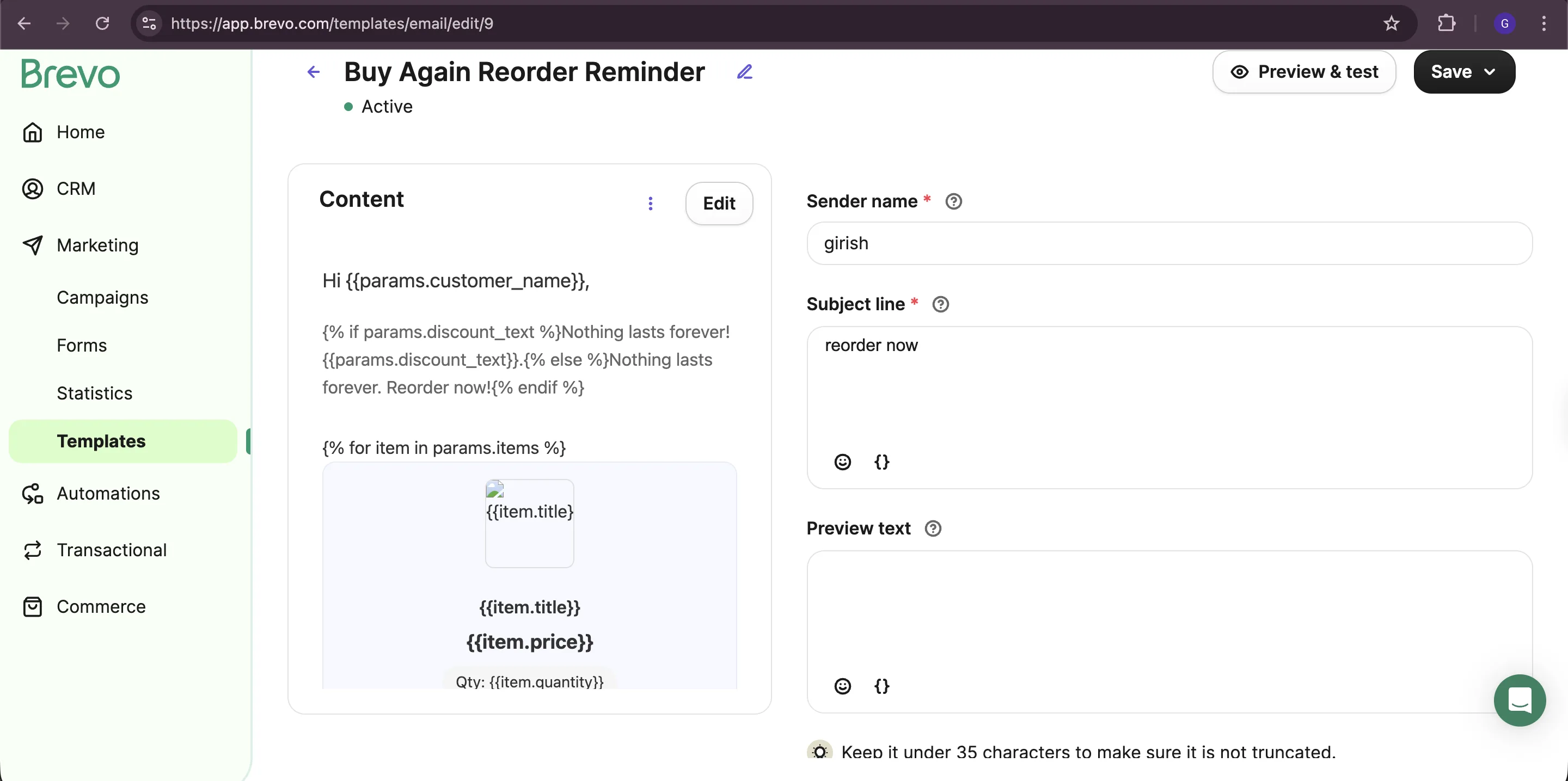
Section titled “1: Design Email Template”We have already created a reorder reminder email template for you with the necessary reorder data. If you don’t wish to change the design, you can skip to Step 3.
- In the left panel, click on Transactional → Templates and you will find email template with name Buy Again Reorder Reminder.
- Use Brevo’s drag-and-drop editor to design your email. You can add additional text if you wish to.
2: Save and Activate
Section titled “2: Save and Activate”- Click on Save and Activate when your template design is complete.
- Your email template is now ready to use.
- Note the Template ID for your reference.