All in 1 Shopify checkout customiser
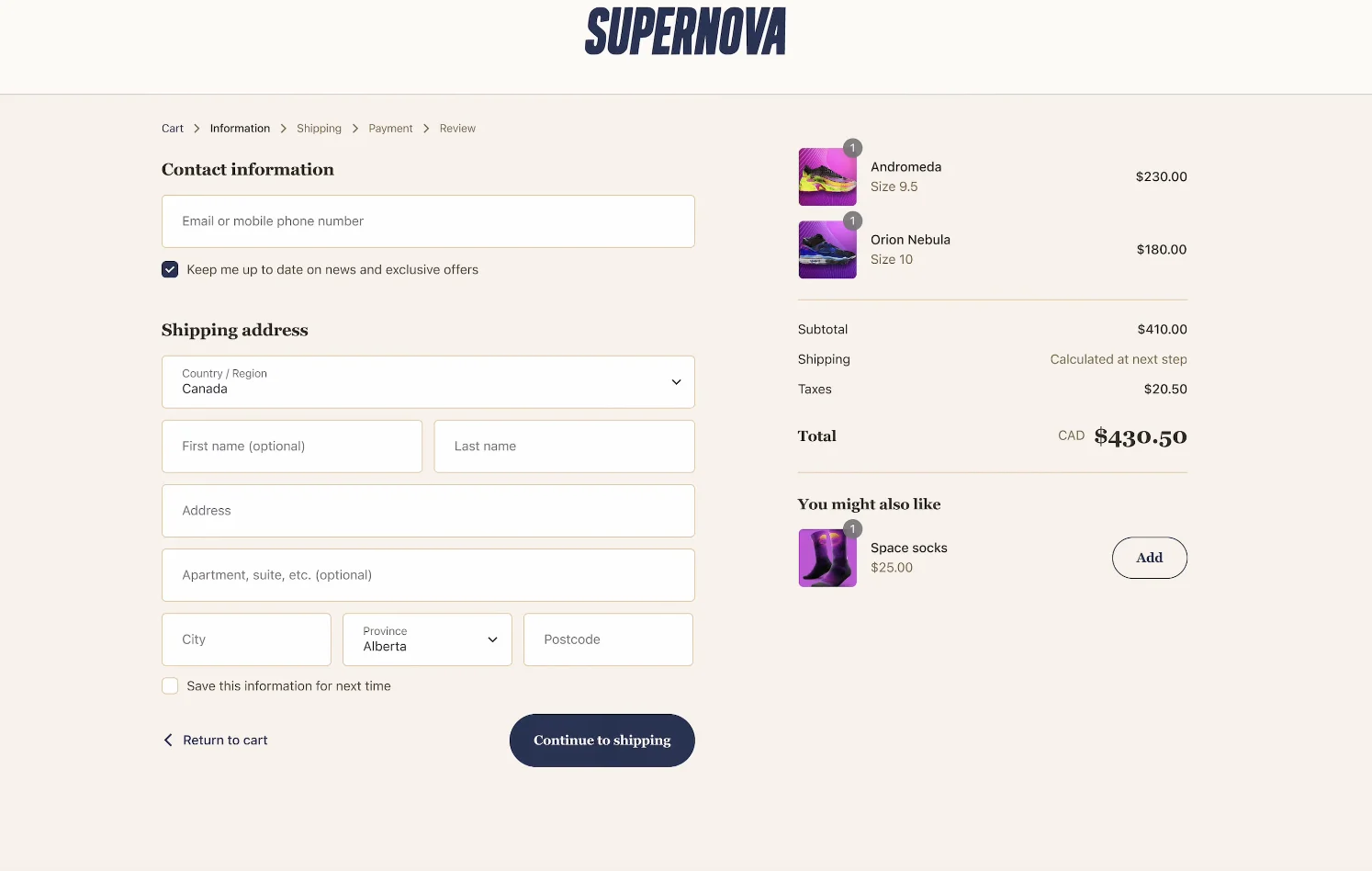
Upsells, validations, trust badges, custom fields, payment rules, shipping rules, surveys, checkout branding. 30+ extensions across checkout, thank-you page, and order status page.
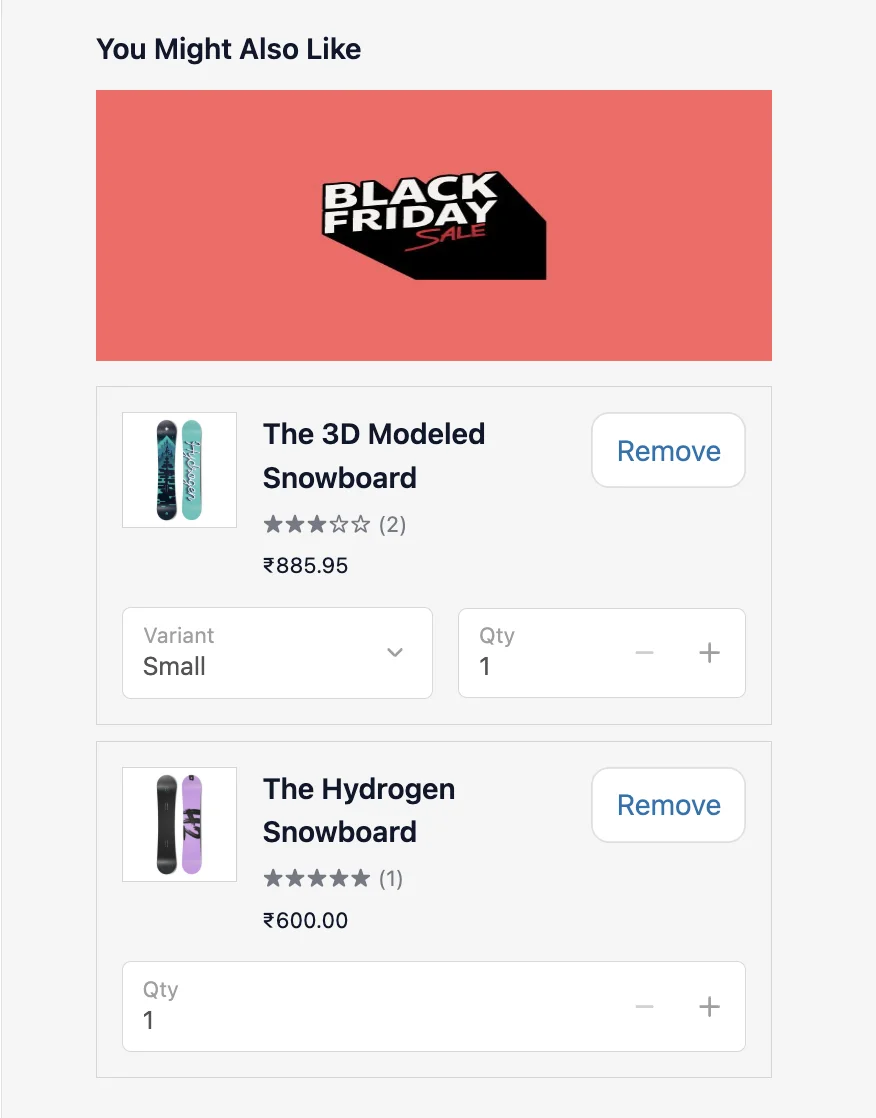
Everything your Shopify checkout needs
Upsells, survey, custom fields, validation, rules, banners, images, branding.
All in one app, no code customisation needed.
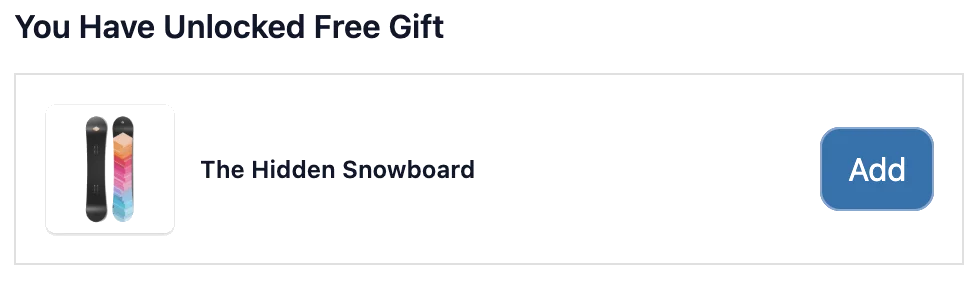
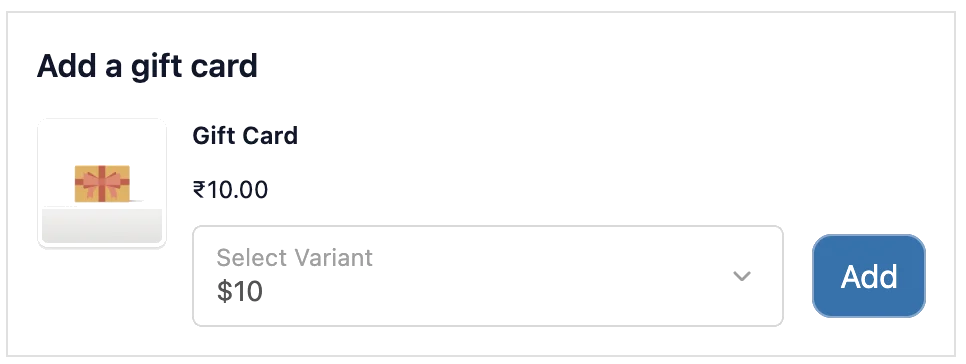

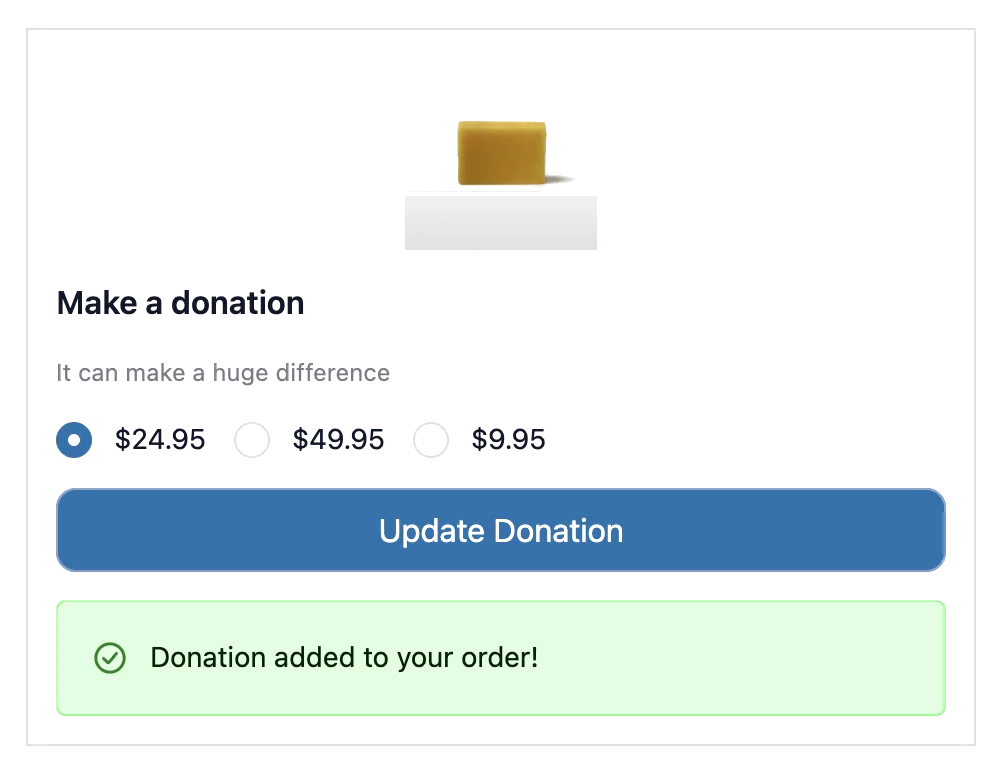


Surveys
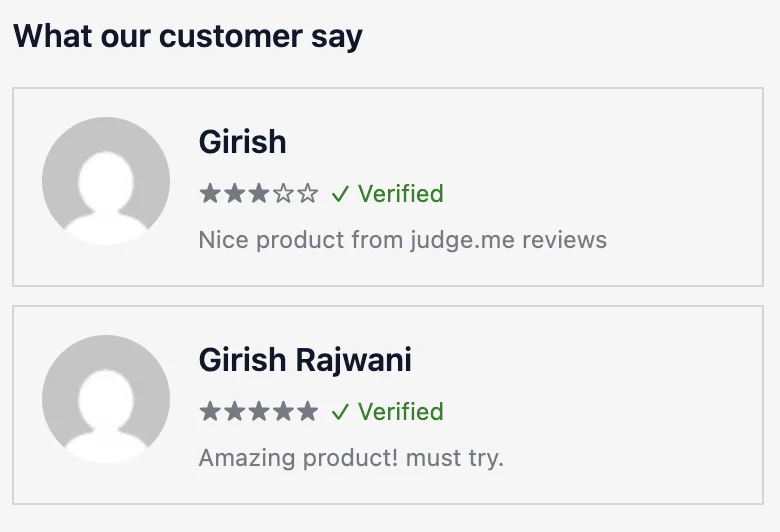
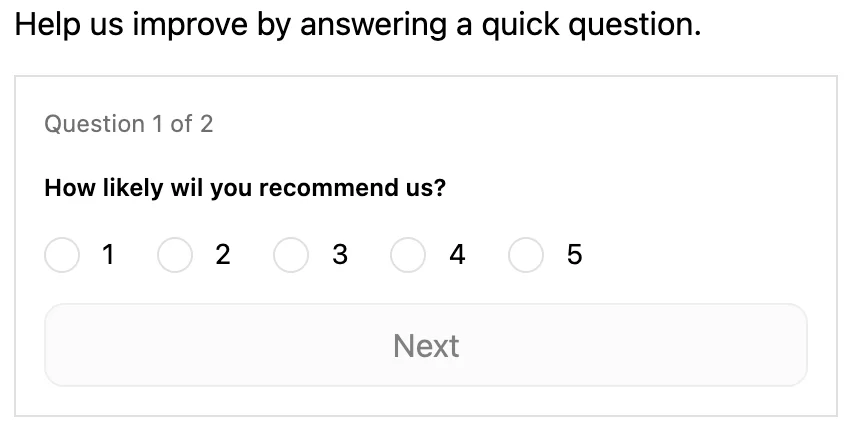
Ask customers questions on the thank you page or order status page: NPS, text, radio, multi-select, and dropdowns
View more →






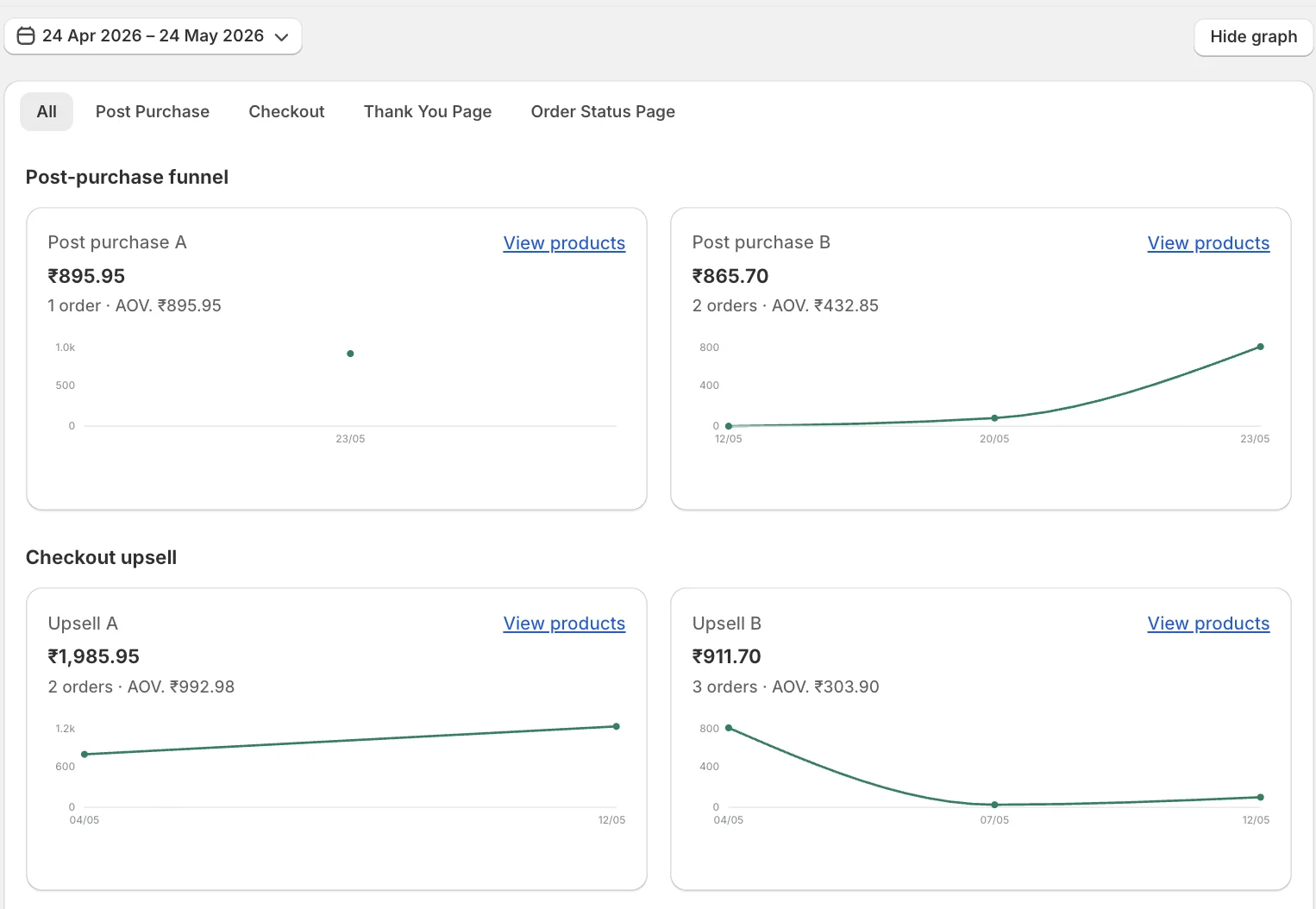
Revenue Analytics
See A/B tested revenue from post-purchase, checkout, thank you page, and order status page upsells, all in one dashboard
View more →Works with the apps you already use
 Judge.me Product ratings & reviews
  Okendo Product ratings & reviews
 Simple, transparent pricing
Starter
$ 7.50 /month, billed annually
$ 9 /month
- 5 Payment rules: hide, reorder, rename
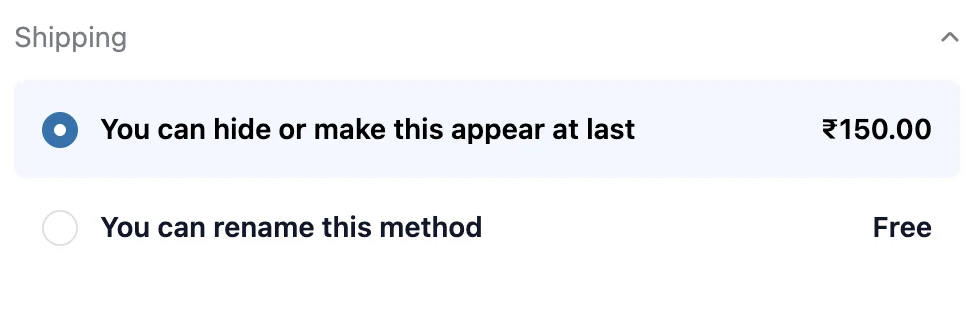
- 5 Shipping rules: hide, reorder, rename
- 5 Address validation rules
- 5 Order validation rules
- Cart Links
- Submit feature requests & view roadmap
- Live chat support
Growth
$ 24.17 /month, billed annually
$ 29 /month
- Everything in Starter +
- Unlimited payment & shipping rules
- Unlimited address & order validation rules
- Post-Purchase Funnel: Upsell & Downsell
- 20 Thank you page extensions & upsell
- 20 Order status page extensions & upsell
- Unlimited surveys & unlimited responses
- Revenue analytics
Plus
$ 40.83 /month, billed annually
$ 49 /month
- Everything in Growth +
- Checkout extensions (Shopify Plus)
- Checkout branding
- Checkout upsells
- A/B testing upsell
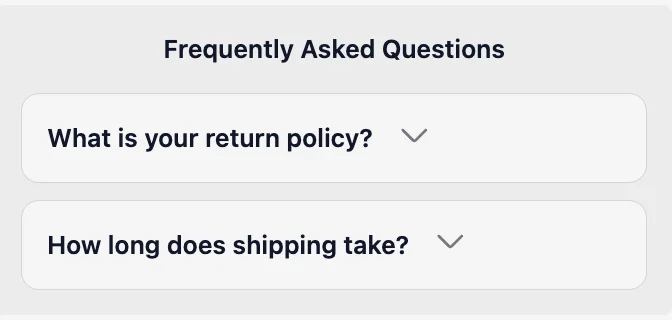
Frequently Asked Questions
Everything you need to know before you install Checkout Extender.
Does Checkout Extender work without Shopify Plus?
Yes. Starter and Growth work on all Shopify plans — Basic, Shopify, and Advanced. Thank-you page and order status page extensions are available on Growth for everyone. The Plus plan unlocks checkout page extensions (checkout UI, checkout upsells, branding), which Shopify only allows on Shopify Plus.
Can I hide PayPal, Buy Now Pay Later, or other payment methods at checkout?
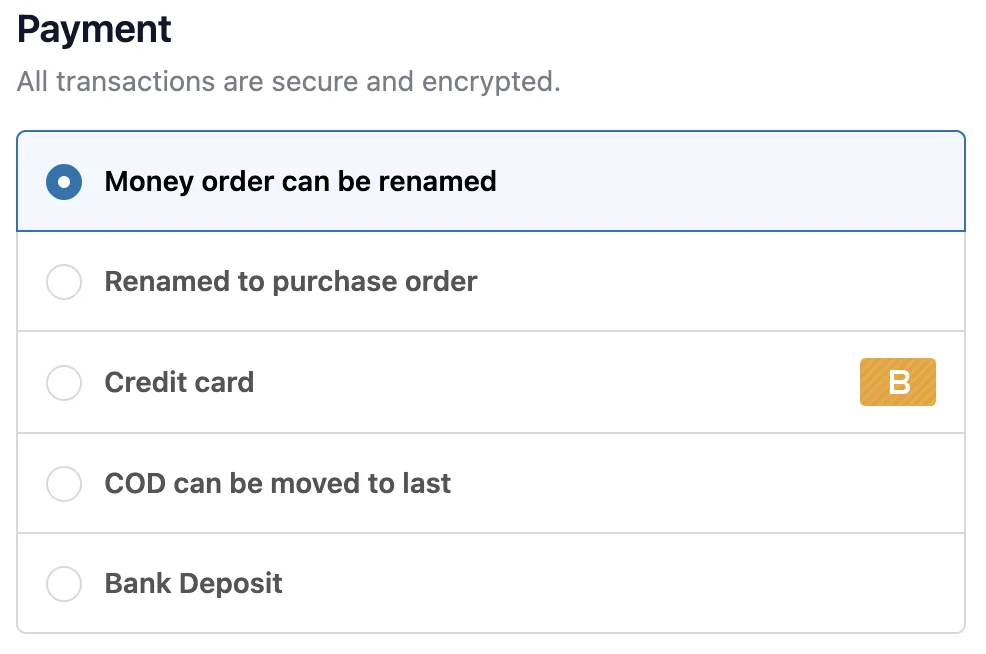
Yes. Payment rules let you hide, rename, or reorder payment methods based on conditions like cart value, customer tags, shipping country, or specific products in the cart. For example: hide Cash on Delivery for international orders, or hide BNPL for orders under £50.
Can I block checkout if a customer hasn't ticked a terms and conditions box?
Yes. The Terms & Conditions extension adds a mandatory checkbox to checkout. Customers cannot complete their order until they accept. The acceptance is recorded on the order so you have a paper trail.
What happens to my checkout if I uninstall the app?
Your checkout goes back to default Shopify — no leftover code, no broken pages. Checkout Extender uses Shopify's native checkout extensibility, so nothing is injected into your theme. Uninstalling is clean and safe.
Can I show a free shipping bar that updates as customers add items?
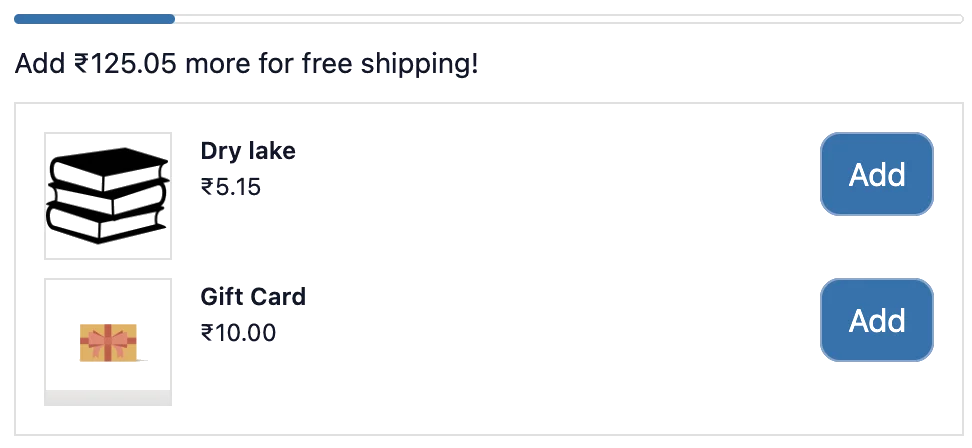
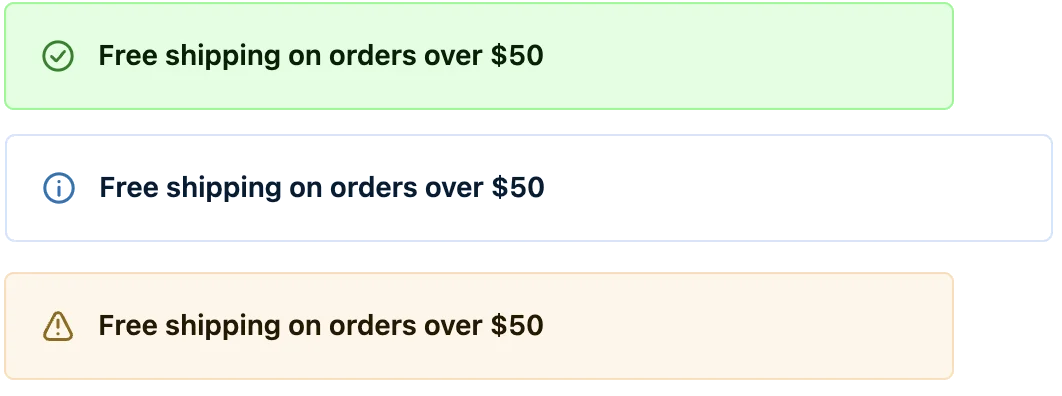
Yes. The free shipping bar shows how much more a customer needs to spend to qualify for free shipping, and it updates in real time as they change their cart. You set the threshold and message.
Where does the data from order notes, surveys, and custom fields get saved?
All field data is saved directly to the Shopify order — order notes go to the order note field, and custom attributes appear in the order's additional details. You can see it in Shopify admin, and it flows to fulfilment apps and 3PLs automatically.
Can I show different upsells based on what's in the cart?
Yes. Every extension supports conditions. You can show an upsell only when a specific product is in the cart, when the cart total is above a threshold, when the customer is tagged as wholesale, or based on dozens of other rules.
Does it slow down my checkout?
No. Checkout Extender uses Shopify's native checkout UI extensions, which are built and optimised by Shopify. They load as part of checkout — not as third-party scripts — so there is no impact on checkout speed or Core Web Vitals.
What is the difference between Starter, Growth, and Plus?
Starter covers rules and validations (payment rules, shipping rules, address validation, cart links). Growth adds upsells on the thank-you and order status pages, post-purchase funnel, custom fields, surveys, and revenue analytics. Plus adds full checkout page customisation: checkout extensions, checkout branding, and checkout upsells — which require Shopify Plus.